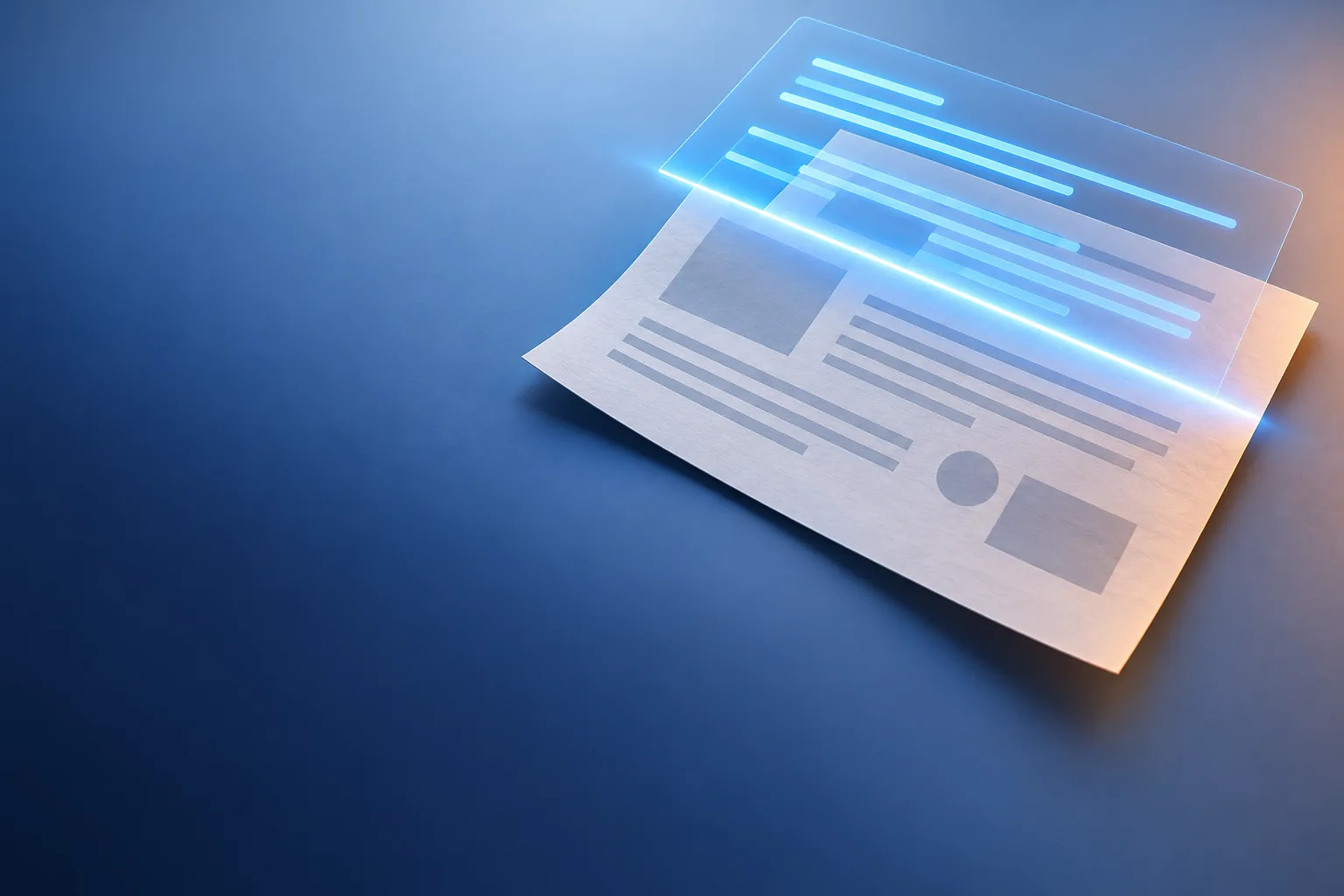
A scanned PDF is just photographs of paper pages. You can see the words, but your computer cannot: Ctrl+F finds nothing and you cannot select a single line. OCR, optical character recognition, reads the image, works out each character and lays a hidden text layer over every page.
OCR PDF
Drop a PDF here
PDF · up to 100 MB per file
Files are deleted after 2 hours. You can delete them right after downloading.
What OCR adds to your file
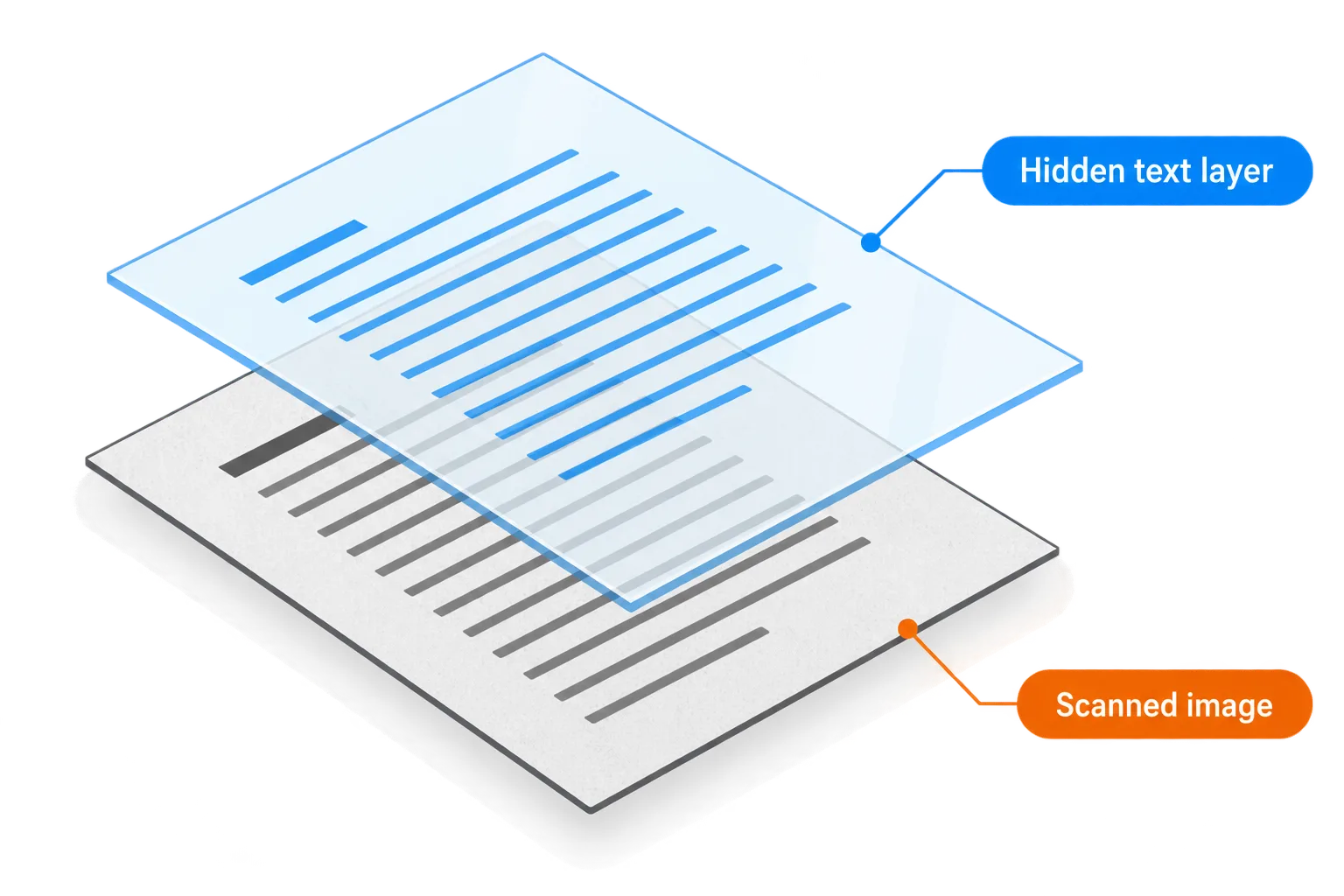
The page image stays as it is; a transparent text layer sits over each word.
After OCR a page looks exactly like the scan, because the original image stays where it was. What is new is a transparent layer of text lined up over each word in the image. That layer is what you search, select and copy, while printing still gives you the original page.
It is also why OCR mistakes are hard to spot: the image shows the right word, while the text layer underneath may say something else.
How to scan so the text reads right
| Factor | Aim for | Avoid |
|---|---|---|
| Resolution | 300 DPI for normal-sized text | Below 200 DPI, where small marks and accents vanish |
| Alignment | A straight page with level lines | Skewed pages, lines curving near a book's spine |
| Light | Even and bright, dark text on white | Shadows, glare, very dark or yellowed paper |
| Colour | Grayscale or colour both work | Heavy compression before OCR |
Accents, dots and commas are only a few pixels tall. At low resolution an "e" and a "c", or a "5" and an "S", start to look alike, and the diacritics of languages such as Vietnamese simply disappear. If you want accurate OCR, resolution is the best place to invest.
A phone works too: lay the paper flat and shoot straight down near a window. Combine the photos with Image to PDF, then press Continue and choose OCR PDF.
Pick the right language
The default is Both, meaning Vietnamese and English, which suits bilingual documents such as contracts. If the document uses only one language, choose it: the engine then has only one alphabet to guess from and confuses fewer characters.
Check the text layer after OCR
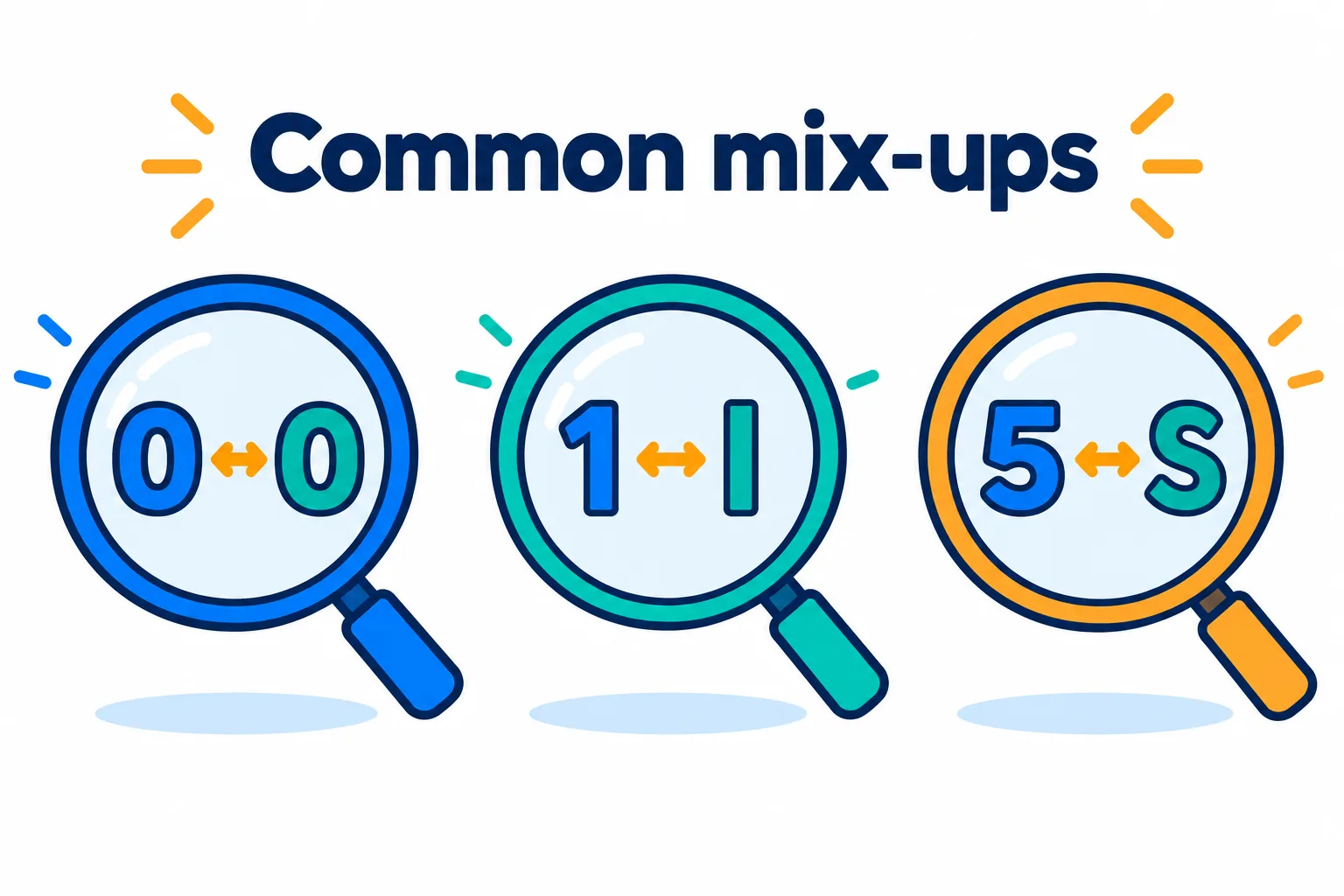
These pairs look alike, so check the numbers on their own.
Steps
Press Ctrl+F and search for a word that appears several times. If every instance is found, the text layer is in good shape.
Select a paragraph and paste it into a plain text editor to see what the layer really says.
Check the numbers on their own
0 and O, 1 and l, 5 and S are the usual mix-ups.
To edit the content, press Continue and choose PDF to Word.
Handwriting, stamps and signatures are often misread or skipped. Check amounts, contract numbers and dates by eye before you rely on them.
If what you really need is an editable Word file, see how to convert PDF to Word.
Frequently asked questions
How do I know whether a PDF needs OCR?
Try selecting a line. If you can select the words, the file already has text and needs no OCR. If you cannot, or the whole page selects as one picture, it is a scan.
Should I compress before or after OCR?
After. Compressing first softens the image and makes OCR less accurate. Run OCR on the original, then compress if the file is heavy.
What is the result called?
Your file name with -ocr added, so `letter.pdf` becomes `letter-ocr.pdf`.
Are my files kept on the server?
They are deleted after 2 hours, and you can delete them yourself as soon as you have the result.
Try it on your own file
Free, no sign-up. Files are deleted after 2 hours.