Blog
Short, practical guides: every article comes with the tool, so you can try it on your own file right away.
Featured
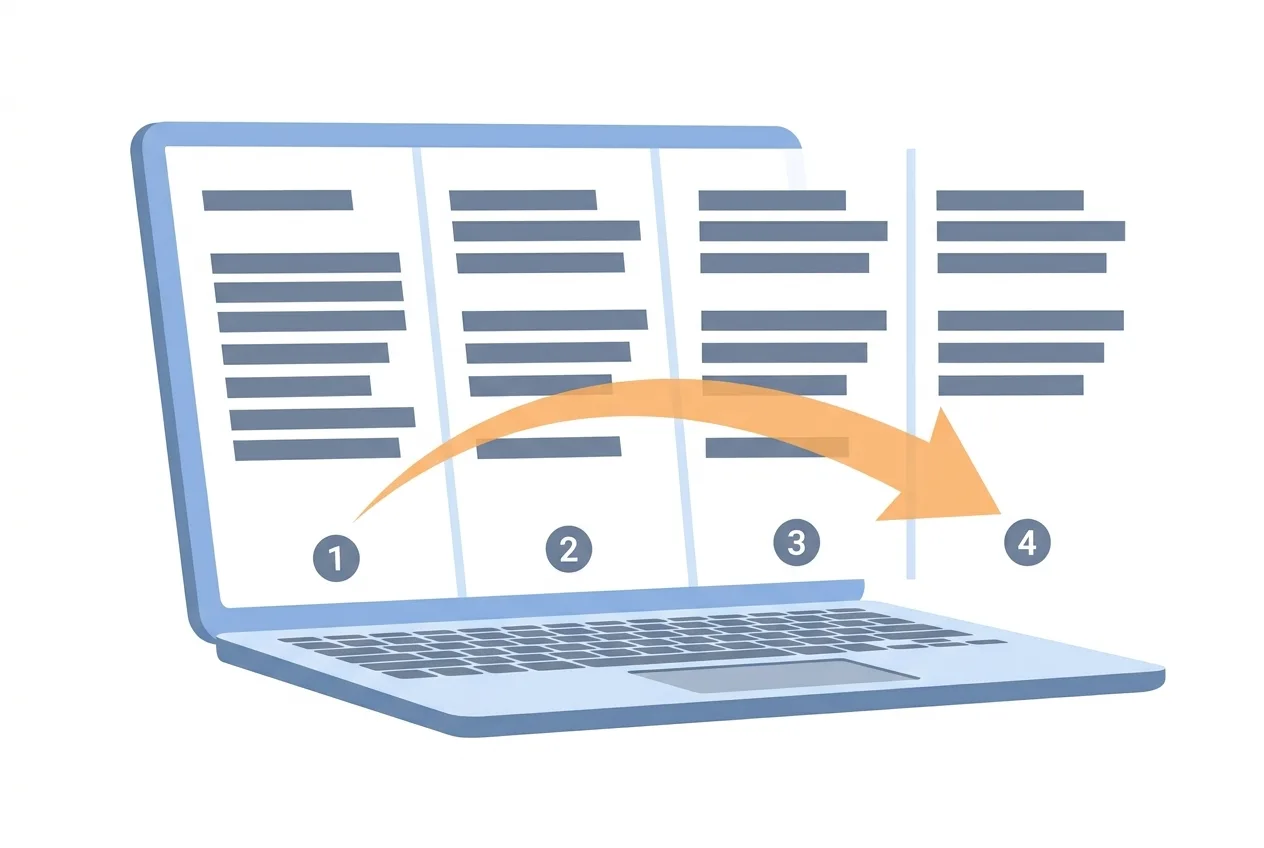 Featured How to Add Page Numbers in Word and PDF Whether you're finishing a Word draft or numbering a finished PDF, here's exactly how to add page numbers in Word and in PDF files.
 Latest posts
28 posts Change volume
 How to Make Volume Louder on Android: Simple Steps
If your Android phone sounds too quiet, you can boost the volume through settings, apps, and equalizer tools—here's how.
 AI Art Generator
 AI Art Generator Free: Create Art from a Prompt
Describe the image you want, generate it in seconds, then refine your prompt until the artwork fits your idea.
 QR Code Generator
 QR code generator: how to create a code that works
Create a QR code for a link, Wi‑Fi network or payment details, then download it as PNG or SVG.
Word CounterWord counter: count words, characters and reading time
Paste your text into Word Counter to see words, characters, sentences, paragraphs and reading time instantly.
 Greeting Card Maker
 Diwali wishes: messages and greeting card ideas
Use these Diwali wishes as they are, or personalize them in a simple greeting card you can download as a PNG.
 Cut audio
 Cut audio and make a ringtone that starts cleanly
A good cut starts on the beat and ends gently. Two handles, two time fields and a fade in and out are all it takes.
 Video to MP3
 Video to MP3: pull the audio out in the right format
Extracting the sound cannot make it better than the original. Your job is to pick the format and bitrate that are just enough for how you will listen or what you will do next.
 Compress video
 Compress video: smaller files that still look good
A video's size is its bitrate multiplied by its length. Lower resolution saves the most, trimming saves the most reliably, and the quality level fine-tunes the rest.
 Speech to Text
 Speech to text: subtitles and notes that need less fixing
How accurate a transcript is depends more on the recording than on the machine. Record well, list your names and terms, pick the right output, and there is far less to fix.
 Upscale Image
 Upscale images with AI: when to pick ×2 or ×4
Plain resizing only makes the existing pixels bigger. AI draws in new detail, so the image grows and stays sharp, as long as you pick the right scale and the right photo.
 Remove Background
 Remove backgrounds with AI: clean edges, any backdrop
AI finds the subject in seconds, but how clean the edges look depends mostly on the photo you give it. Shoot it right and check the edges before you download.