QR Code Generator
Type a link, a Wi‑Fi network or payment details and download a static QR code as PNG or SVG, free.
Your QR code

Fill in the fields and your QR code appears here.
Style
Higher levels survive smudges and logos but make a denser code.
The image stays on your device. The logo takes at most 22% of the width; the code uses level H.
Everything runs in your browser: nothing you type or choose is uploaded.
How to use QR Code Generator in 3 steps
-
Pick the content type
Choose Link, Text, Wi‑Fi, Contact card, Email, Phone call, SMS or a payment type such as UPI or SEPA.
-
Fill in the details
Enter the web address, the network name and password, or the payment details. The code updates as you type.
-
Style it and download
Set the size, colours and module shape, add a logo if you like, then download PNG or SVG, copy the image or print it.
Guides
A short read first gets you the right result on the first try.
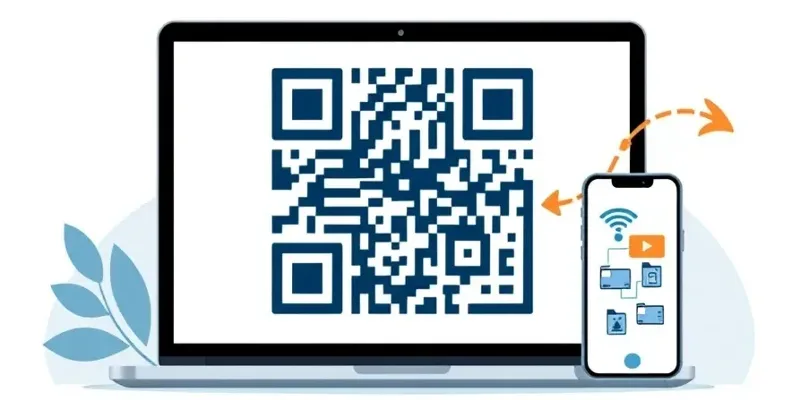 QR Code Generator
 QR code generator: how to create a code that works
Create a QR code for a link, Wi‑Fi network or payment details, then download it as PNG or SVG.
Word CounterWord counter: count words, characters and reading time
Paste your text into Word Counter to see words, characters, sentences, paragraphs and reading time instantly.
Features
QR Code Generator makes static codes for links, text, Wi‑Fi networks, contact cards, email, calls and SMS, plus payment codes: UPI in India, Pix in Brazil, PromptPay in Thailand, SEPA (EPC GiroCode) in Europe and VietQR in Vietnam. Pick colours, module shape and error correction, add a centre logo and download a PNG up to 2048 px or an SVG. It all runs in your browser, so what you type never leaves your device.
- Wi‑Fi codes that let guests join your network without typing the password.
- Payment codes to the published standards: UPI, Pix, PromptPay, SEPA credit transfer (EPC) and VietQR.
- Contact cards (vCard 3.0), email, phone calls, SMS, links and any text, accents and emoji included.
- Colours with a contrast warning, square, rounded or dot modules, error correction L to H and a centre logo.
- PNG from 256 to 2048 px or a crisp SVG for print, plus copy to clipboard and print.
- Static codes that never expire and need no account; everything runs in your browser.
Frequently asked questions
Do these QR codes expire?
No. They are static codes: the content is stored in the code itself and never goes through a BigQTools server, so they work forever with unlimited scans. To change the content, make a new code.
Which payment QR codes can I make?
UPI (India), Pix (Brazil), PromptPay (Thailand), SEPA credit transfers in euros (the EPC GiroCode many European banking apps read) and VietQR (Vietnam). Each follows its published standard; scan it with your own banking app and check the payee before you share it.
Will a logo stop the code from scanning?
With a logo the code switches to error correction level H, which recovers about 30% of the data, and the logo takes at most 22% of the width, so phones still read it. Keep a dark code on a light background and test it before printing.
Is my data stored or uploaded?
No. The code is generated in your browser; links, Wi‑Fi passwords, account numbers and logos are not sent to any server and are gone when you close the page.