Cutting audio sounds simple: pick a start, pick an end. A clumsy cut still gives itself away at both ends, when the music jumps in halfway through a word or stops dead in the middle of a line. Choosing the right cut points and using the volume fades takes care of both.
Cut audio
Drop an audio file here
MP3, M4A, WAV, OGG, OGA, FLAC… · up to 100 MB per file
Files are deleted after 2 hours. You can delete them right after downloading.
Choose the start and end points
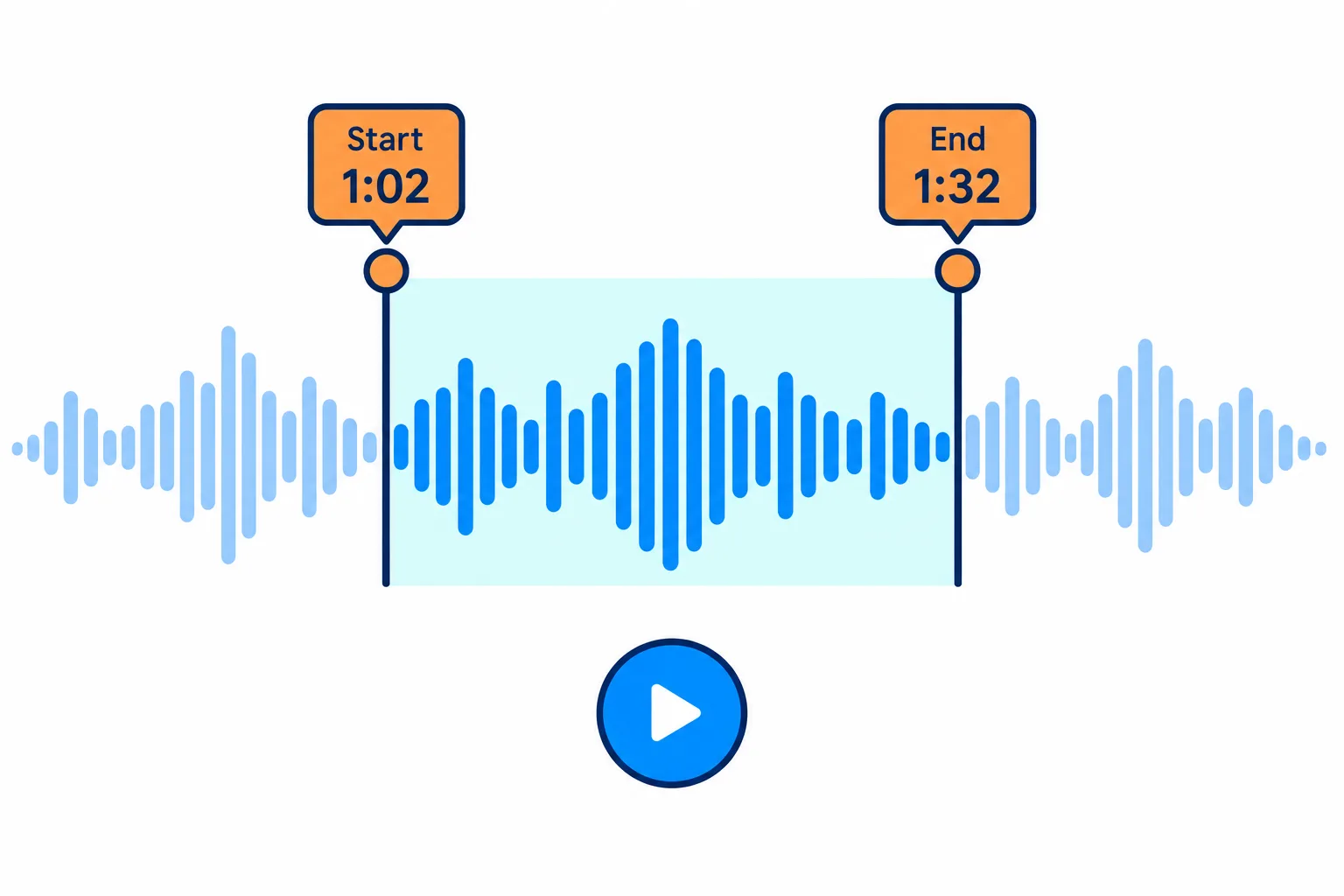
Pick the part with the two handles, or type exact times.
For files added from your device, you listen and drag the two handles on the player. For Google Drive files and links there is no preview player, so you type the start and end times into the two time fields.
Steps
Listen once and note where the part you want begins, for example the chorus at 1:02.
Set the start a fraction earlier, just before the first strong beat, so the first sound of the phrase is not clipped.
Set the end after the last note has rung out, or in the pause between two lines.
Play the selection back before you click Cut audio.
To grab one sentence from a long recording, look at the waveform: where it goes almost flat is the silence between sentences, and cutting there never clips a word.
Fade in and fade out
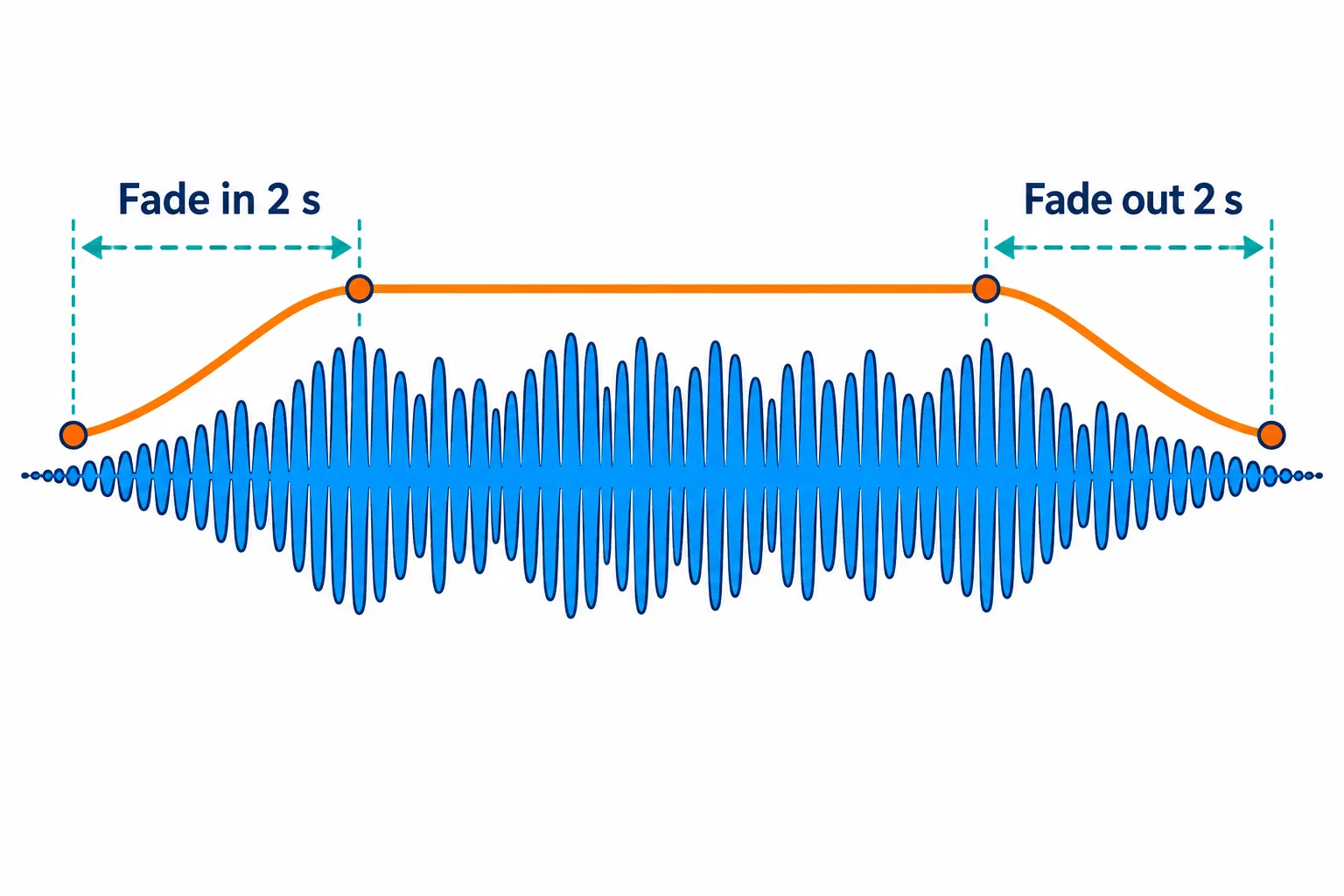
The fades keep the clip from starting or stopping abruptly.
The two effects are switched on separately. Fade in raises the volume over the first 2 seconds; fade out lowers it over the last 2 seconds.
- Use fade in when the cut starts in the middle of a busy phrase, so the sound does not burst in.
- Use fade out when the cut stops while the song is still going, which is almost always the case with ringtones.
- Leave both off for speech, because a 2-second fade in can swallow the first word.
Make a ringtone
| Phone | Format | Length | How to install |
|---|---|---|---|
| iPhone | M4R | Up to 40 seconds | Sync it to the iPhone with Finder on a Mac or iTunes on Windows, then pick it in Settings › Sounds & Haptics › Ringtone |
| Android | MP3 | Depends on the phone | Copy it to the phone and pick it in the sound settings; the menu names vary by brand |
A ringtone only plays for a few rings before you answer, so a 20–30 second clip that starts on the best part works better than a long one with an intro.
Pick the output format
MP3 plays everywhere. M4A is more compact at the same quality. WAV or FLAC suit files you will keep editing, because they add no further quality loss. OGG works well for websites and games.
Is the sound inside a video? The tool accepts MP4, MOV, MKV and WebM videos and keeps only the audio. For a whole soundtrack, see how to extract audio from a video.
Frequently asked questions
How do I join two cut clips into one?
Press Continue, choose Merge audio and add the second clip.
My clip is quieter than other songs.
Press Continue and choose Change volume to raise its level.
What is the result called?
Your file name with -cat added, so `intro.mp3` becomes `intro-cat.mp3`.
Are my files kept on the server?
They are deleted after 2 hours, and you can delete them yourself as soon as you have the result.
Try it on your own file
Free, no sign-up. Files are deleted after 2 hours.