Blog
Short, practical guides: every article comes with the tool, so you can try it on your own file right away.
Latest posts
28 posts Compress image
 Compress images: smaller files that still look sharp
A photo's file size depends on two things: how many pixels it has and how they are stored. Compression handles the second, so sometimes resizing saves far more.
 PDF to Excel
 PDF to Excel: get tables out without shifted columns
A PDF stores no tables, only where each word sits on the page. Once you know that, you can tell which tables will convert cleanly and which will need tidying.
 OCR PDF
 OCR PDF: make scanned pages searchable and copyable
Good OCR is decided at the scanner. Resolution, a straight page and the language you pick matter more than anything else.
 Image to PDF
 Image to PDF: turn photos of documents into one file
Three placement options decide whether your PDF looks like a scan or a photo album. Shoot well, pick the right one, and the file you submit is neat and easy to read.
 Word to PDF
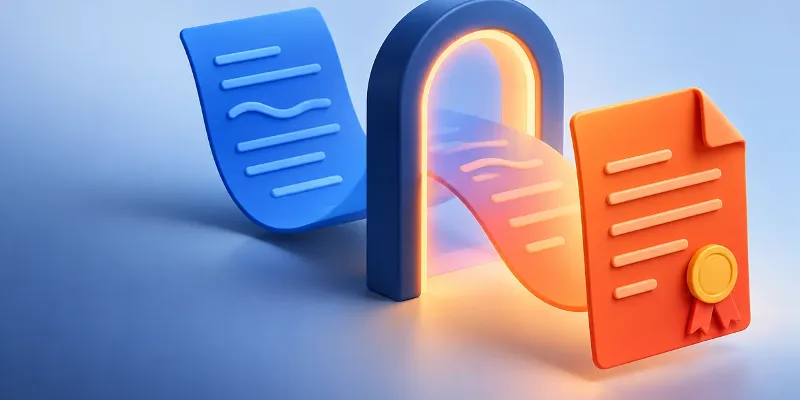
 Word to PDF without broken fonts or shifted pages
When a PDF comes out different from the Word file, fonts are almost always to blame. Check three things first and it will match what you see on screen.
 Split PDF
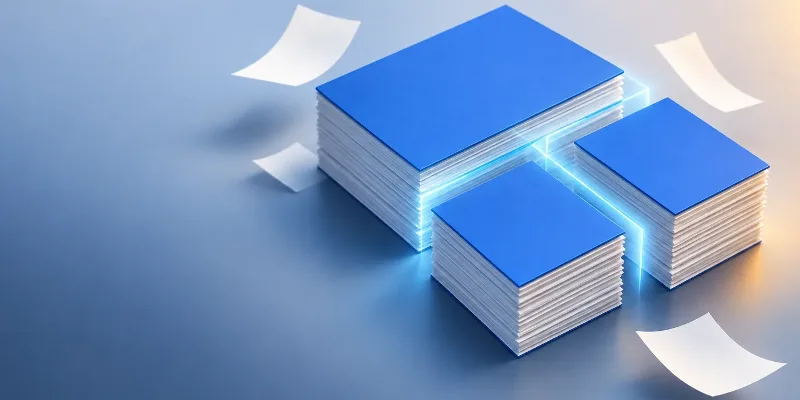
 Split a PDF: pick the right cut points the first time
There are only two ways to split: one file per page, or cuts after the pages you name. The part people get wrong is which page numbers to type.
 PDF to Word
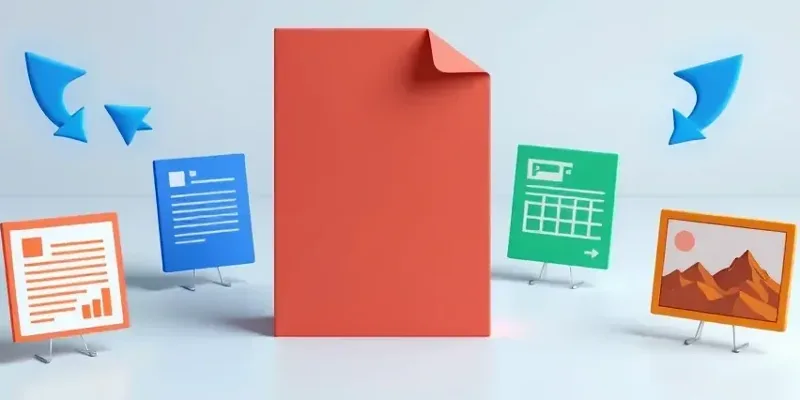
 Converting PDF: pick the right target format
Every direction keeps something different. Knowing what you will lose lets you pick the right format the first time instead of doing the job twice.
 Merge PDF
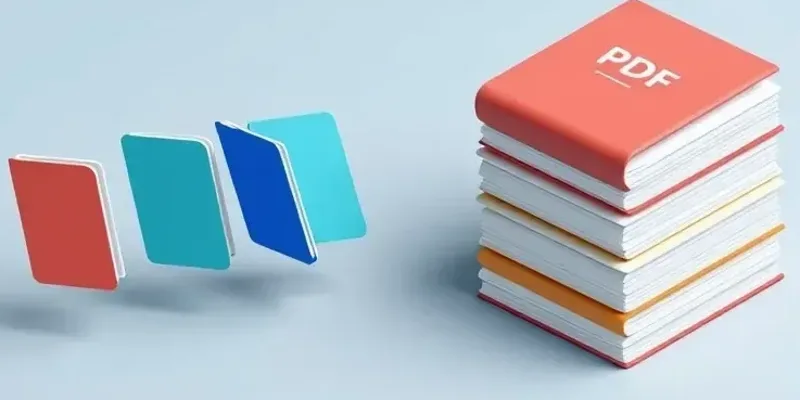
 Merge PDF files into one, in the right order
Merging is the easy part. The order is what people get wrong, and a few things vanish afterwards without any warning.
 Compress PDF
 Compress PDF: the right level, with text still sharp
A heavy PDF is almost always heavy because of its images, not its text. Once you know that, you can pick the right level the first time.
 PDF to Word
 PDF to Word with the layout intact
The result depends on your PDF far more than on the converter. Once you know which kind of file you have, you can predict what you will get.
 AI Art Generator
 AI Art Generation: How to Make Images from Text
Turn a written idea into an image by describing what you want, generating it, and refining your prompt until it fits.
AI Art GeneratorAI Art Generation: How to Create Better AI Images
Use AI Art Generator to describe an image, generate it in about 20 seconds, and refine your prompt until it fits your idea.