MPEG/MPG to M4R converter
Change MPEG audio into M4R in a few clicks, with the output format already set.
Drop a video here
MPEG, MPG · up to 100 MB per file
Files are deleted after 2 hours. You can delete them right after downloading.
How to use MPEG/MPG to M4R converter in 3 steps
-
Upload the MPEG file
Drop it on the page, or choose it from your device, Google Drive or a direct download link.
-
Choose the quality
M4R is already selected as the output. Pick 128, 192 or 320 kbps; WAV and FLAC do not use a bitrate.
-
Convert and download
Start the conversion, then download the M4R file or save it to Google Drive.
Guides
A short read first gets you the right result on the first try.
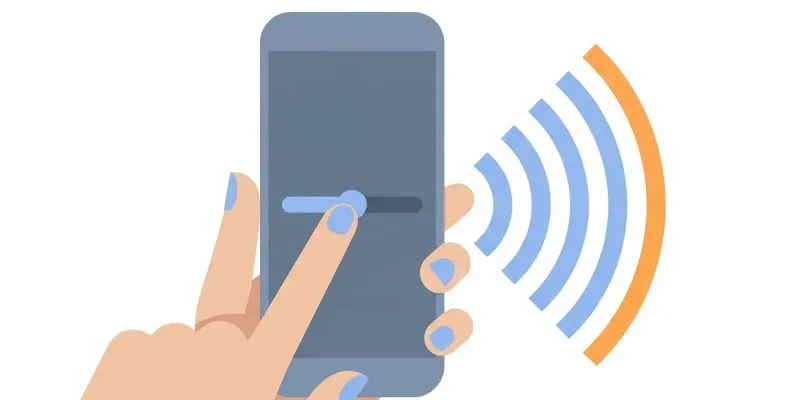 Change volume
 How to Make Volume Louder on Android: Simple Steps
If your Android phone sounds too quiet, you can boost the volume through settings, apps, and equalizer tools—here's how.
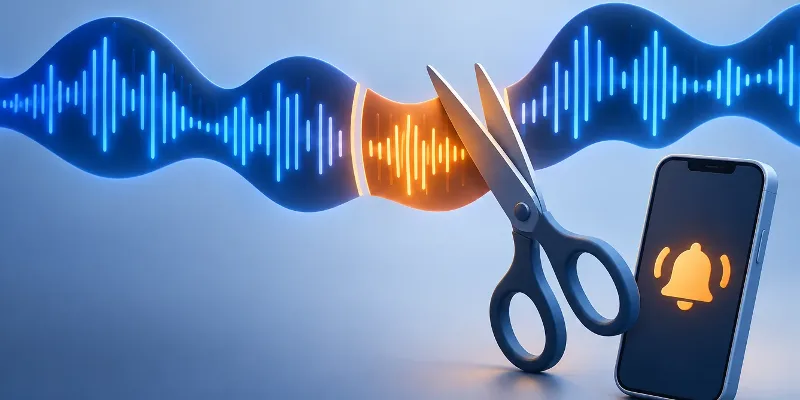 Cut audio
 Cut audio and make a ringtone that starts cleanly
A good cut starts on the beat and ends gently. Two handles, two time fields and a fade in and out are all it takes.
Features
MPEG video is bulky by today's standards and many phones and web platforms will not accept it, so a modern format saves space and trouble. This page does exactly that conversion: add your MPEG file and BigQTools returns the sound as M4R, with the same file name and a new extension. For compressed formats you can choose 128 kbps for speech, 192 kbps for music or 320 kbps for the best quality; WAV and FLAC always keep the full signal.
- Preset for MPEG to M4R, so the right format is always used.
- Bitrate choices of 128, 192 and 320 kbps for compressed formats.
- Also takes the soundtrack from video files such as MP4, MOV and MKV.
- The file name is kept; only the extension changes to .m4r.
- Files travel over HTTPS and are deleted automatically after 2 hours.
Frequently asked questions
Will converting MPEG to M4R affect the sound quality?
Lossy formats such as MP3, M4A and OGG drop detail you rarely hear at 192 or 320 kbps. WAV and FLAC keep everything that is in the source, but no format can restore quality the MPEG file never had.
What is the difference between MPEG and M4R?
MPEG files use the MPEG-1 or MPEG-2 standard found on video CDs, DVDs and older camcorders. M4R is the iPhone ringtone format: AAC audio in an MP4 container, up to 40 seconds long.
Can I convert MPEG to other audio formats?
Yes. The “Convert audio” page takes the same file and offers MP3, M4A, WAV, FLAC, OGG and M4R.
Can I convert audio from a YouTube or Spotify link?
No. Streaming links are not supported for copyright reasons. A file on your device, in Google Drive or behind a direct download link works.