JPG to PNG converter
Change JPG images to PNG in one go, up to 20 files at a time.
Drop images here
JPG, JPEG · up to 100 MB per file · up to 20 files
Files are deleted after 2 hours. You can delete them right after downloading.
How to use JPG to PNG converter in 3 steps
-
Add your JPG images
Drop up to 20 files on the page, or pick them from your device, Google Drive or a direct link.
-
Confirm the format
PNG is already selected as the output format, so there is nothing else to set.
-
Convert and download
Start the conversion, then download each PNG image or a ZIP with all of them.
Guides
A short read first gets you the right result on the first try.
Features
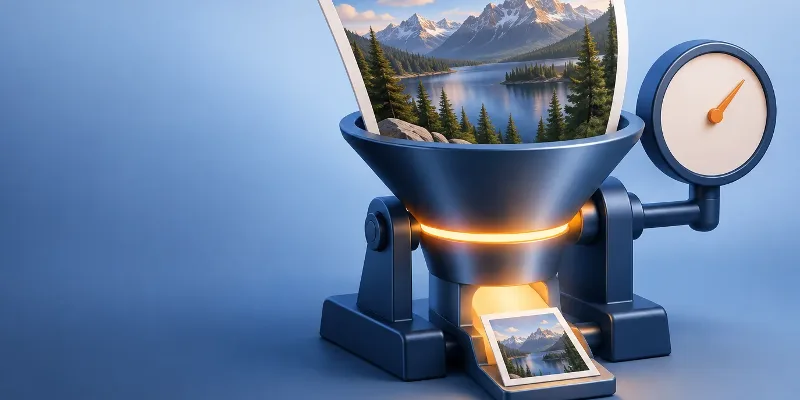
JPG cannot store transparency and loses a little detail every time it is saved, so people switch formats for graphics, editing or lighter web images. This converter is preset for JPG to PNG: add up to 20 images and BigQTools converts them all at once, keeping each file name and changing only the extension. Transparent areas stay transparent in PNG, WebP and AVIF, while JPG and BMP fill them with white.
- Preset for JPG to PNG, so there is no format menu to get wrong.
- Converts up to 20 images per run, with a ZIP of all results.
- Transparency is kept for PNG, WebP and AVIF; JPG and BMP get a white background.
- The file name is kept; only the extension changes to .png.
- No watermark and no account; files are deleted automatically after 2 hours.
Frequently asked questions
Does converting JPG to PNG reduce image quality?
PNG, BMP and TIFF keep every pixel of the source. JPG, WebP and AVIF compress the image, but at the quality used here the difference is hard to spot. No format can bring back detail the JPG file has already lost.
What is the difference between JPG and PNG?
JPG is the standard format for photos, compressing them into small files that open on every device. PNG is a lossless image format with transparency, ideal for screenshots, logos and graphics.
Can I convert several JPG files at once?
Yes. Add up to 20 images in one go; each one is converted to PNG and you can download them one by one or together as a ZIP.
What happens to transparent backgrounds?
PNG, WebP and AVIF keep transparent areas. JPG and BMP cannot store transparency, so those areas are filled with white.